Rome Reborn in Google Earth

Image of Google Rome Ever wondered what it was like to stand in the Roman forum back in 320 CE? Well, growing up in Rome and being dragged through the now hot and dusty forum I have wondered what it was like back then amny times. Now I can fly around imperial Rome thanks to a collaboration between the Rome Reborn project led by Bernie Frischer at Virginia and Google Earth. You can download the latest Google Earth viewer and relevant layers at Google Earth Rome. All that is missing is people.

This project has recieved a lot of press like the BBC story, Google Earth revives ancient Rome. I first noticed it on the Italian Google News where it made the Top Stories front page yesterday (called Prima Pagina in the Italian.) The mayor of Rome, Gianni Alemanno even blogged it on the Google blog inviting people to tour.

The idea that virtual technologies now let people experience the city that I guide as it appeared in 320 A.D. fills me with pride — a pride that I inherited from Rome’s glorious past.

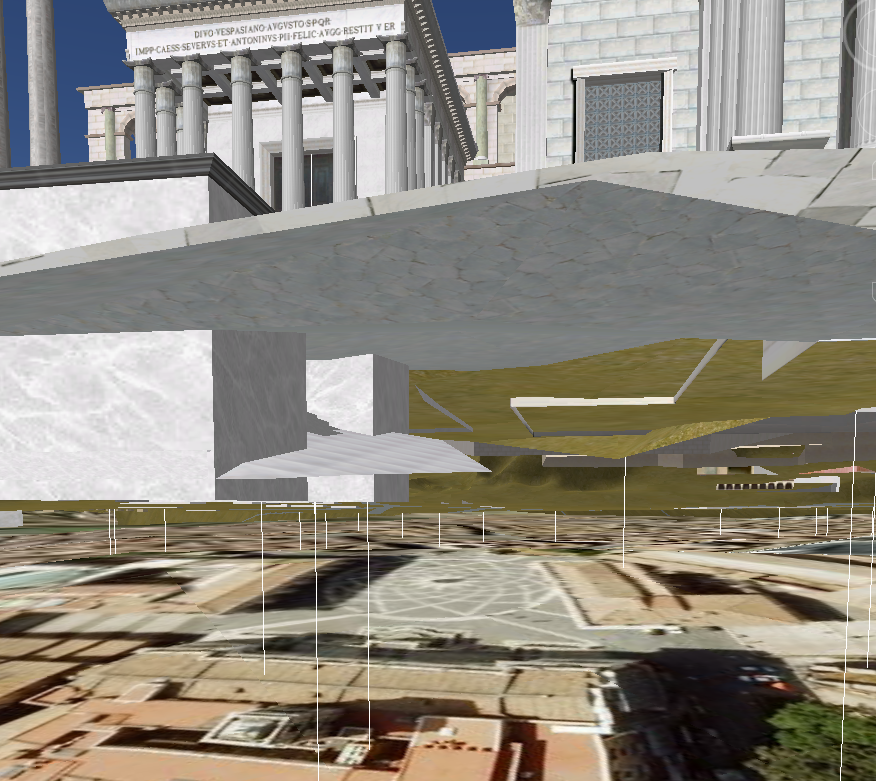
As a humorous aside, there is an interesting view to be had if you go through the “floor” of ancient Rome. Then you see the satellite view of modern Rome (flattened) below the ancient 3D model in an interesting inversion of the archaeological layers.

Screen Shot from Google Earth Rome

Here you see the distinctive design of Michelangelo’s Campidoglio beneath the model. The lines are the flags for items of interest that you can click on to get descriptions of the buildings.

The World of Dante

Image of DanteThe World of Dante is a totally renovated site from the University of Virginia (IATH) on Dante. It has some neat features. They use an image by Domenico di Michelino of Dante Reading from the Divine Comedy as a visual introduction to the site. You roll over the parts of the image and get an introduction to the project. The project also has a lot of media, including music that was commissioned to connect to references in the text to music. I heard some of this music at the New Horizons conference. This is a gem of a project even if sometimes paging the texts is slow – I’m told that it has to do with caching – just be patient.

Appropriation Art: 51st State Comic

Image of Comic CoverOnce I notice one comic being used to introduce computing issues I’m told of another. Google commissioned the Chrome comic, Gordon Duncan of Appropriation Art has released an interactive comic book 51st State that is about copyright reform in Canada and freedom of expression. It appropriates images and words from the internet and has links back out to information. A remarkable demonstration of how graphic arts can be political and provocative.

Thanks to Erika for this.

Comic Book on Google Chrome

Drawing of BrowserThe blog, Google Blogoscoped has a scan of Scott McCloud’s comic book to explain the new Google Browser called Chrome, see Google on Google Chrome – comic book or Google’s version. It is interesting that Google used the comic book format to explain what is special about Chrome (see Scott’s FAQ), but Chrome itself, and how it is being presented, is also important. A few random thoughts:

  • The comic presents Chrome as designed for running applications. This strikes me as an Andreessen move where you alert Microsoft to the fact that you want to make a browser that replaces the OS thereby making Windows unnecessary and Microsoft poorer. Maybe Google will fare better than Netscape.
  • Google is simplifying the interface to the browser. It will be interesting to see if their tab-oriented interface will work. Perhaps the comic book is to explain to people who like snazzy interfaces why a simple browser is better even if you can’t see the improvements in features.
  • I like their idea of the OMNIBOX – a location box and Google search box with autocompletion all in one. Google is really pushing the idea of a single field into which you can type anything and you get some sort of intelligent response. Will we eventually get an AI box of sorts that tries to respond to natural language (or, to be more exact, the emergent Googlese that we all learn to type using Googles Omnibox.) Is this the route to the natural language interface of pre-GUI days when we though typing text was the way to interact with the computer? Is this the return of the command line?

Clemens: Virtual Wiiality Redux

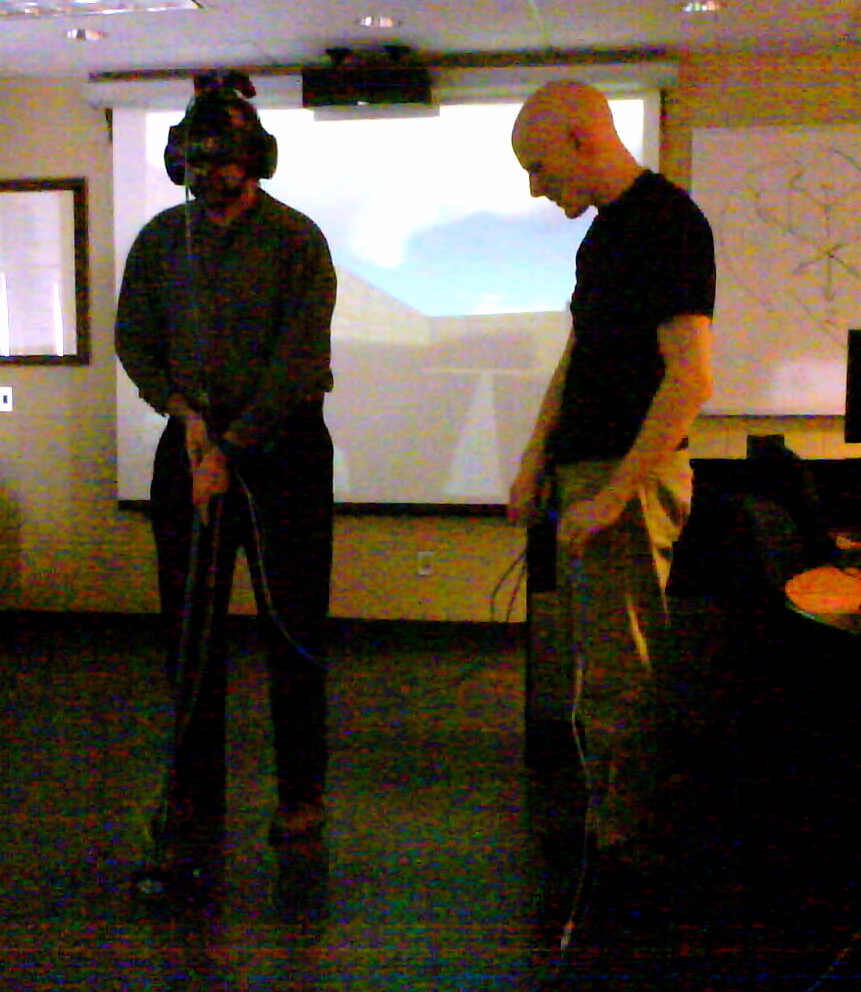
Photo of me with Wiiality on

One of our students Joel Clemens gave a demonstration of his impressive fourth year project, Virtual Wiiality Redux. He used common consumer components like the Sony SIXAXIS controller, which has motion sensing, to create an virtual reality system. In the picture above you see me with the helmet (with the SIXAXIS velcroed above) experiencing the 3D space (a version of our lab with a gaping chasm below my feet.) The strange broom thing was Joel’s solution to tracking where I am in the space. It has a small bowling ball with rollers to capture movement. The broom “floor mouse” didn’t work as well as the head tracking set, which was very responsive. With hackers like Joel and cheap motion tracking controllers, DIY VR may be a real “wiiality”. Check out his extensive web site.

Prism and XUL

My favorite underappreciated XML language XUL (XML User Interface Language) could become more than a Mozilla utility with Prism. To quote the Prism site:

Prism is a simple XULRunner based browser that hosts web applications without the normal web browser user interface. Prism is based on a concept called Site Specific Browsers (SSB). An SSB is an application with an embedded browser designed to work exclusively with a single web application. It doesn’t have the menus, toolbars and accoutrements of a normal web browser. Some people have called it a “distraction free browser” because none of the typical browser chrome is used. An SSB also has a tighter integration with the OS and desktop than a typical web application running through a web browser.

In other words, with Prism you can write your own interface in XUL that shows and hides what you want. You can then use it, in theory, to create network applications without all the interface overhead of a browser. How far are we from the browser as OS?

Thanks to Peter for this.

bleuOrange: revue de littérature hypermédiatique

Image from Sodome@homent2 has launched an online review in French, bleuOrange | revue de littérature hypermédiatique. The review has a number of effective new media works including a French version of open.ended and the disturbing Sodome@home. Bravo to the folks at nt2 for this new site for the publication of hypermedia literature.

FlowingData: 17 Ways to Visualize the Twitter Universe

Twitter Visualization

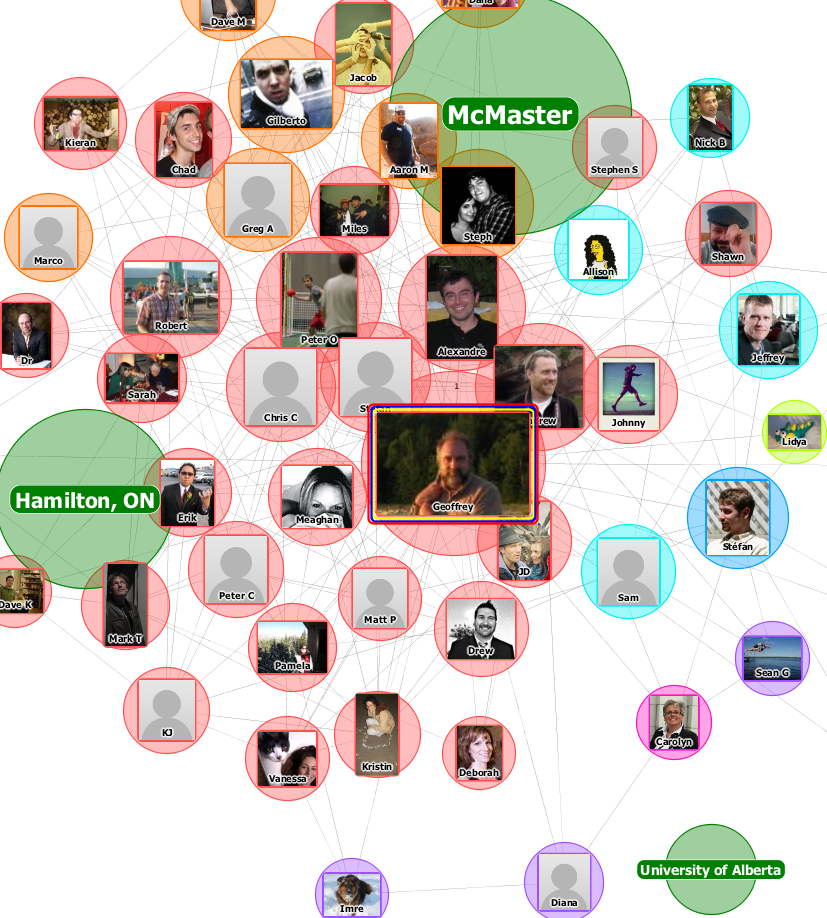
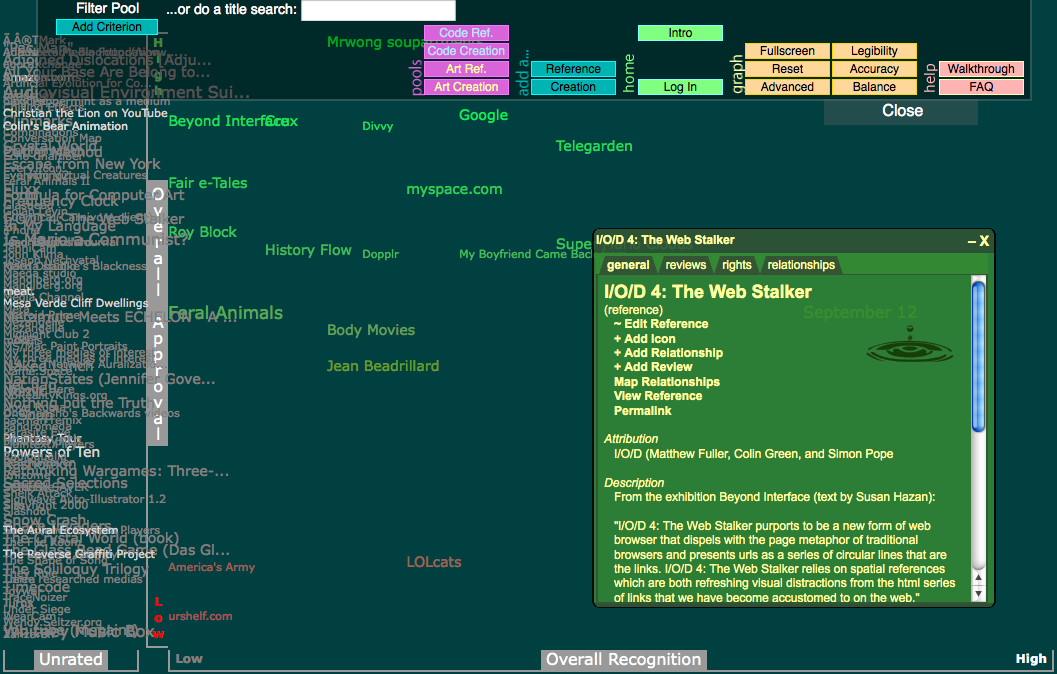
Peter sent me to a neat blog, FlowingData that is partly about visualization. Nathan, the author, posts longish notes like 17 Ways to Visualize the Twitter Universe. He also has a good one on 21 Ways to Visualize and Explore Your Email Inbox which has some creative ways to handle spam like Alex Dragulescu’s Spam Architecture that takes spam and generates “three-dimensional modeling gestures”! (I want to be a 3D modeling gesture!)